

Buying conversational AI at enterprise scale is not a “pick a chatbot” decision. It is a data, security, governance, and change-management program that can affect customer experience, employee productivity, and regulatory posture. The fastest way to avoid vendor regret is to evaluate platforms against a checklist that reflects how enterprises actually deploy conversational systems: across channels, teams, geographies, and risk profiles.
This evaluation checklist is designed for teams comparing enterprise conversational AI platforms for customer support, internal help, sales enablement, or training and coaching use cases.
Step 1: Confirm the use case and the risk level
Before you compare vendors, lock down what “conversational AI” means in your org. Different use cases require different controls.
Common enterprise use cases
- Customer-facing automation: support chat, voice IVR, order status, troubleshooting, returns.
- Employee-facing assistants: IT helpdesk, HR policy Q&A, knowledge discovery.
- Revenue support: sales development enablement, objection handling aids, guided discovery.
- Training and coaching: AI roleplay, scenario practice, feedback loops for sales and service teams.
Clarify the business outcome
Write a one-sentence success definition that includes a metric.
Examples: - “Reduce average handle time by 10% without lowering CSAT.” - “Increase first-contact resolution by 5 points for Tier 1 requests.” - “Improve ramp time for new reps from 8 weeks to 6 weeks.”
Match controls to risk
A bot that answers employee policy questions has different requirements than one that handles payments or protected health information.
At minimum, decide: - Whether the platform will handle PII, payment data, or regulated data. - Whether the output can be customer-visible without human review. - Whether you need auditability for prompts, data sources, and responses.
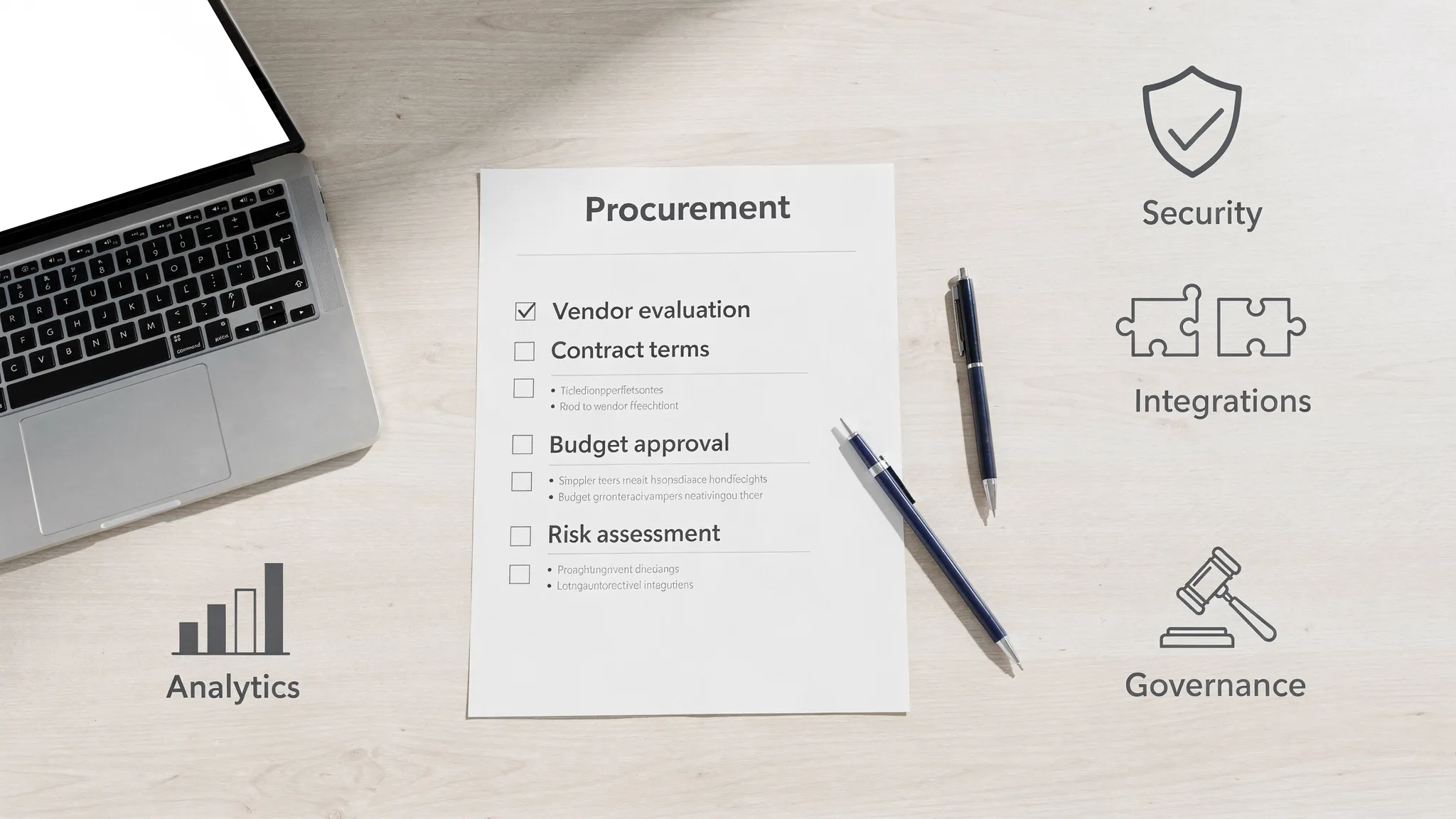
Step 2: Use the enterprise conversational AI platform checklist
The sections below are written as “what to check,” “questions to ask,” and “proof to request.” Treat them as RFP-ready.
1) Security, compliance, and enterprise readiness
If a vendor cannot meet your baseline security requirements, stop early.
What to check
- Security program maturity (policies, vulnerability management, incident response)
- Access controls (SSO/SAML, SCIM provisioning, role-based access)
- Encryption in transit and at rest
- Tenant isolation and environment separation (dev, staging, prod)
- Audit logs for admin actions and content changes
Questions to ask
- Do you support SSO (SAML/OIDC) and SCIM?
- What roles and permissions are available (admin, manager, analyst, contributor)?
- What is your incident response process and notification timeline?
Proof to request
- Current SOC 2 Type II report, or equivalent assurance documentation
- Pen test summary and remediation process
- Data processing addendum and subprocessor list
References worth aligning to internally: - NIST AI Risk Management Framework
2) Data handling: privacy, retention, and residency
Enterprise buyers should explicitly decide what data can be used for training, how long it is stored, and where.
What to check
- Data retention controls and configurable deletion policies
- Data residency options if you operate across regions
- Use of customer data for model training (opt-in vs opt-out)
- PII handling and redaction capabilities
Questions to ask
- Is customer content used to train shared models by default?
- Can we set retention at workspace, team, or user level?
- Can we export and delete conversation data on demand?
Proof to request
- Written statement on training usage and retention
- GDPR support if applicable (even many US orgs need it due to global users)
- Documentation on data localization options
Helpful baseline reference: - GDPR overview
3) Model strategy and response quality controls (hallucinations, grounding, and safety)
In enterprise deployments, accuracy is a product feature, not a nice-to-have.
What to check
- Grounding (retrieval-augmented generation, knowledge connectors, citations)
- Guardrails (policy constraints, disallowed content rules, safe completion)
- Fallback behavior (handoff to human, “I don’t know” behavior)
- Evaluation tooling (offline test sets, regression tests, quality scoring)
Questions to ask
- How do you prevent the model from inventing answers?
- Can responses cite approved sources or knowledge bases?
- How do you test changes to prompts, knowledge, or models before production?
Proof to request
- Demo of evaluation workflow with a test suite
- Examples of refusal patterns and escalation
- Your approach to prompt versioning and change tracking
4) Scenario design and personalization (especially for training and enablement)
If your use case includes coaching, practice, or roleplay, the platform must support realistic, configurable scenarios.
What to check
- Scenario authoring tools (templates, variables, branching)
- Skill levels and difficulty adjustments
- Personalization (role, region, product line, persona)
- Consistency across teams (standard scenarios plus local variants)
Questions to ask
- Can managers create roleplays for different products, segments, or objection types?
- Can we standardize a “golden path” while allowing customization by team?
- How is learner progress tracked over time?
Proof to request
- A working scenario editor walkthrough
- Example of adaptive difficulty or coaching rules
5) Real-time feedback and coaching quality
Conversational AI platforms often claim “feedback,” but enterprises should distinguish between generic tips and measurable coaching.
What to check
- Real-time feedback that is specific (what to say instead, what to ask next)
- Rubrics aligned to competencies (discovery, objection handling, empathy, compliance)
- Consistency of scoring and explainability
- Coaching tips that turn into action (next practice scenario, targeted drill)
Questions to ask
- What does feedback look like in-session vs after the session?
- Can we customize rubrics to match our sales methodology or service standards?
- How do you ensure scoring is consistent across users and time?
Proof to request
- Example sessions showing feedback and scoring rationale
- Admin view of rubric configuration
6) Analytics, measurement, and reporting
Executives want outcomes, L&D wants engagement and progression, and managers want coaching signals. Your platform should serve all three.
What to check
- Progress tracking at user, team, and org levels
- Trend analysis (improvement over time, not just a one-off score)
- Cohorts (new hires vs tenured reps, region A vs region B)
- Export options and BI compatibility
Questions to ask
- What metrics are available out of the box (and how are they defined)?
- Can we connect results to performance outcomes (quota attainment, CSAT, QA scores)?
- Do dashboards support manager workflows, not just executives?
Proof to request
- Analytics walkthrough using realistic data
- Documentation for exports or APIs (if available)
7) Integrations and ecosystem fit
Most enterprise AI projects fail at the seams: identity, data sources, workflow tools, and reporting.
What to check
- Identity: SSO, SCIM, MFA support
- Content sources: knowledge bases, docs, ticketing systems (when applicable)
- Analytics export to BI or data warehouse
- Compliance workflows (review queues, approvals) if needed
Questions to ask
- What are your native integrations today (not “on the roadmap”)?
- How do you handle permissions inherited from source systems?
- Can we separate environments and promote changes safely?
Proof to request
- Integration documentation
- A sample architecture diagram for your use case
8) Governance: roles, approvals, auditability
Governance is how you scale without losing control.
What to check
- Approval workflows for new scenarios, prompts, or knowledge updates
- Version control and rollback
- Full audit trail for admin actions and content edits
- Policy enforcement at org and team level
Questions to ask
- Who can publish changes, and can we require approvals?
- Can we see what changed, who changed it, and when?
- Can we restrict certain scenarios to certain groups?
Proof to request
- Audit log screenshots or demo
- Role and permissions matrix
9) Scalability, reliability, and performance
An enterprise platform must work during peak hours, across regions, and with predictable latency.
What to check
- Uptime targets and incident transparency
- Regional availability if you are global
- Concurrency handling for training cohorts
- Monitoring and status reporting
Questions to ask
- What SLA do you offer and what are the exclusions?
- How do you handle model/provider outages?
- What is your approach to capacity planning?
Proof to request
- SLA language (if available)
- Historical reliability and incident communication approach
10) Commercials and total cost of ownership
Lowest sticker price rarely equals lowest TCO.
What to check
- Pricing model (per user, per conversation, per scenario, usage-based)
- Costs for environments (sandbox vs prod)
- Professional services requirements
- Support tiers and onboarding
Questions to ask
- What drives cost up over time (usage, new teams, advanced analytics)?
- What is included in onboarding and what is extra?
- Can we start small and expand without re-platforming?
Proof to request
- A pricing sheet with clear usage assumptions
- Sample SOW for implementation (if required)
11) Vendor viability and product roadmap credibility
Enterprises need a partner, not just a tool.
What to check
- Customer references in your industry or complexity level
- Security posture and enterprise contracts experience
- Product update cadence and change management
Questions to ask
- Can you provide references for orgs with similar compliance and scale?
- How do you handle breaking changes?
- What features are shipping in the next 2 quarters (and what is already GA)?
Proof to request
- Reference calls
- Release notes
A practical scoring table you can reuse
Use a consistent scorecard so stakeholders do not argue from vibes.
| Category | What “good” looks like | Suggested evidence | Score (1 to 5) |
|---|---|---|---|
| Security and access | SSO/SCIM, audit logs, strong assurance | SOC 2 Type II, role matrix | |
| Data controls | Clear retention, deletion, training policy | DPA, retention settings | |
| Quality and safety | Grounded answers, guardrails, eval tests | Test suite demo, refusal behavior | |
| Scenario and personalization | Easy authoring, skill levels, adaptive behavior | Scenario editor demo | |
| Feedback and coaching | Actionable, explainable, configurable rubrics | Session playback, rubric config | |
| Analytics | Progress over time, cohorts, exports | Dashboard walkthrough | |
| Integrations | Identity + workflow fit | Integration docs | |
| Governance | Approvals, versioning, rollback | Audit log, workflow demo | |
| Reliability | Clear SLA and transparency | SLA draft, status page | |
| Commercials | Predictable scaling and onboarding clarity | Pricing assumptions |
Tip: Add weights only after stakeholders agree on the top 3 outcomes. For training, “feedback and coaching” might be weighted higher than “knowledge connectors.” For customer automation, the reverse is often true.
Step 3: Run a pilot that forces real answers
A good pilot is not a generic demo. It is a controlled test that surfaces edge cases.
What to include in your pilot
Pick 10 to 20 scenarios that represent reality: - High-frequency, low-risk interactions - A few high-stakes edge cases (refund disputes, angry customer, compliance constraints) - “Messy” inputs (short answers, typos, partial information)
Define success metrics up front: - Task success rate (did the user reach the right outcome?) - Quality rubric scores (for training scenarios) - Time-to-competency improvement (for enablement) - Admin time required to maintain scenarios and content
Who should participate
Include the people who will operate the platform after procurement: - Security and IT (identity, access, vendor risk) - Legal and compliance (data and policy constraints) - Enablement or L&D (scenario creation, rubrics, rollouts) - Front-line managers (coaching workflow fit)
Step 4: Watch for these red flags
These are common “sounds good in a demo, breaks in production” signals.
- The vendor cannot clearly state whether your data is used for training shared models.
- No audit logs or weak role-based access controls.
- Feedback is generic and not tied to a rubric you can customize.
- The platform lacks a practical way to test and regression-check changes.
- Analytics are limited to vanity metrics (logins, completion) with little progress insight.
Where Scenario IQ fits in this landscape
Some enterprise conversational AI platforms are built primarily for customer-facing automation. Others are designed for workforce capability building.
Scenario IQ focuses on AI-driven, personalized scenario-based training to improve communication, confidence, and performance across teams. If your evaluation includes sales and service readiness, look for capabilities like: - AI-powered roleplay simulations - Personalized training scenarios and customizable skill levels - Real-time feedback and adaptive guidance - Progress tracking analytics and performance dashboards - Team-focused learning and enterprise-grade security
If you want to explore conversational AI specifically for training and coaching (rather than deploying a customer-facing bot), you can review Scenario IQ at ScenarioIQ.ai.

Frequently Asked Questions
What are enterprise conversational AI platforms? Enterprise conversational AI platforms are systems that power AI-driven conversations at scale, typically with security, governance, integrations, and analytics suited for large organizations.
What should I prioritize first when evaluating enterprise conversational AI platforms? Start with security, data handling, and governance. If the platform cannot meet your identity, audit, and retention requirements, later feature comparisons do not matter.
How do I evaluate hallucination risk in a conversational AI platform? Ask how answers are grounded (for example, retrieval from approved sources), what guardrails exist, and whether the vendor supports evaluation test sets and regression testing before changes go live.
Do I need different platforms for customer support bots vs sales and service training? Often, yes. Customer-facing automation emphasizes knowledge connectors, routing, and containment. Training emphasizes scenario authoring, real-time coaching feedback, and progress analytics.
What is a good pilot length for an enterprise conversational AI platform? Many teams can learn a lot in 2 to 6 weeks if the pilot includes real scenarios, real users, and measurable success criteria (quality, time saved, or proficiency improvements).
Ready to evaluate conversational AI for sales and service performance?
If your priority is improving how your teams handle real conversations, objections, and service moments, Scenario IQ provides AI roleplay training with personalized scenarios, real-time feedback, and progress analytics.
Explore Scenario IQ at scenarioiq.ai and see whether it fits your enterprise training and enablement checklist.